Smart Support Kiosk
- Resolve issues faster
- Shorten support queues
- Pre-qualify every ticket
Smart Support Kiosk: turning the support queue into a self-service moment
In electronics, telecom and service-desk environments, a large share of walk-in support visits are about the same handful of issues: a phone that will not charge, a watch that will not pair, a screen that keeps freezing. Every one of those visits still waits for a technician, and every minute a technician spends on a routine reset is a minute not spent on the cases that truly need them. The challenge is helping customers help themselves, in the store, without sending them to a help page and hoping for the best.
The importance of structured in-store support
Customers arrive frustrated and often unsure what is wrong. Staff arrive at the conversation with no context and have to start from the beginning. Structured self-service changes both sides of that exchange. The customer is guided to a fix they can try immediately, and when a technician is needed, they receive a complete, categorised case rather than a blank ticket. Faster resolution, shorter queues and better data, all from the footprint of a single kiosk.
Introducing PhyGrid Smart Support Kiosk: guided fixes, seamless handover
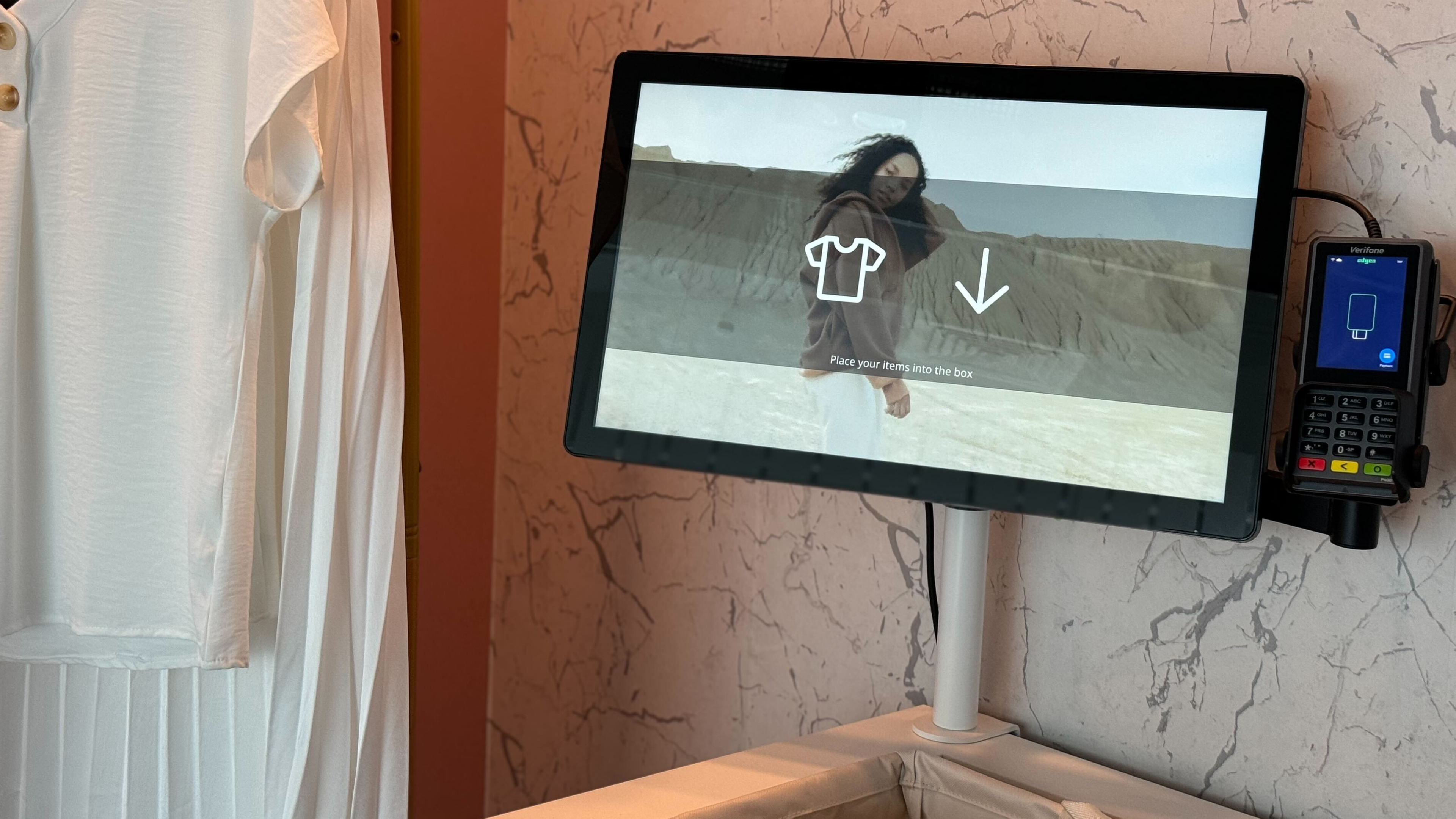
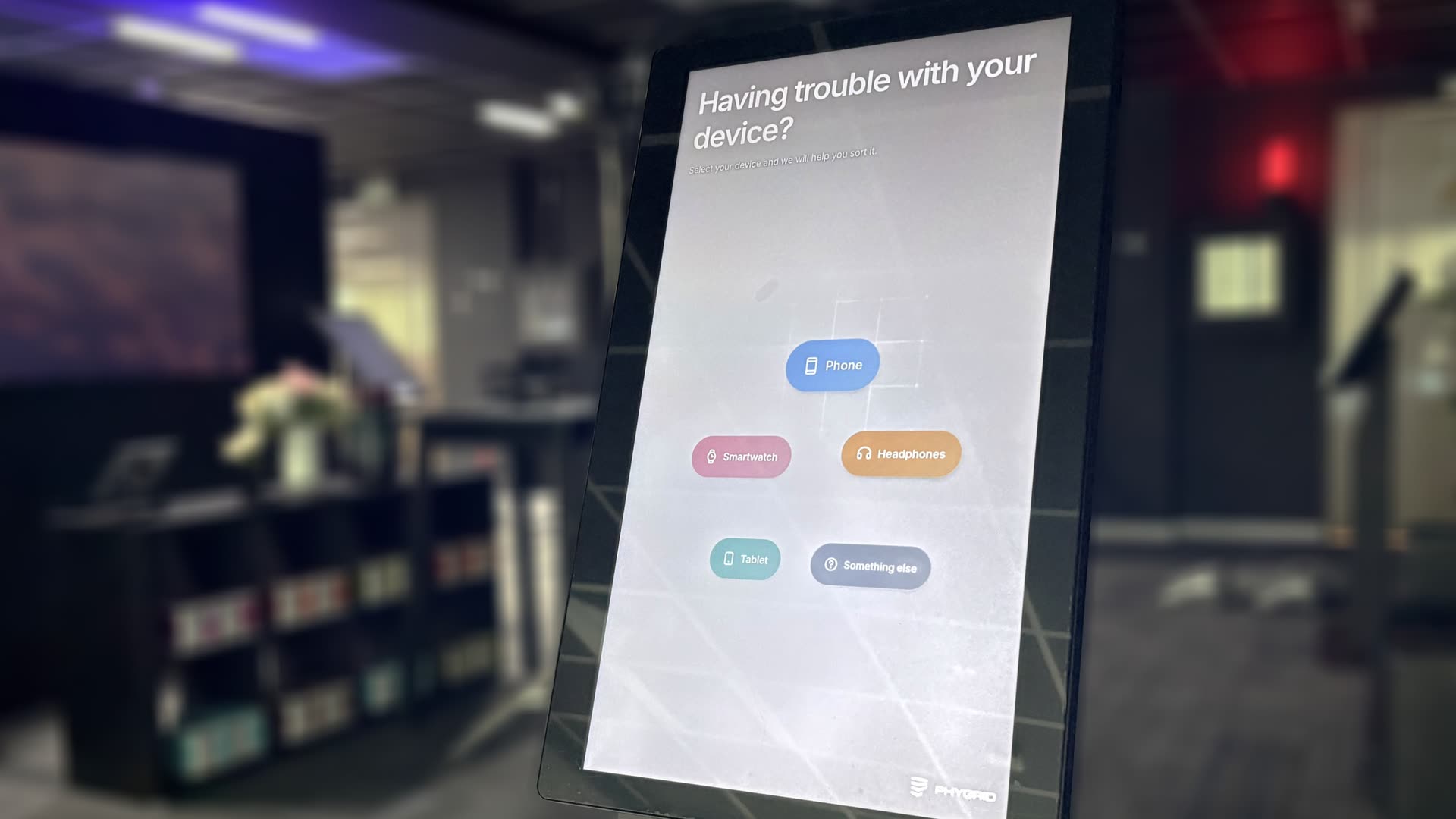
PhyGrid Smart Support Kiosk is a self-service touchpoint that walks the customer from device and symptoms to a step-by-step fix. If the fix does not work, the kiosk opens a ticket in PhyGrid Queue Management with everything the customer has already told it, so a technician picks up exactly where the kiosk left off.
How it works
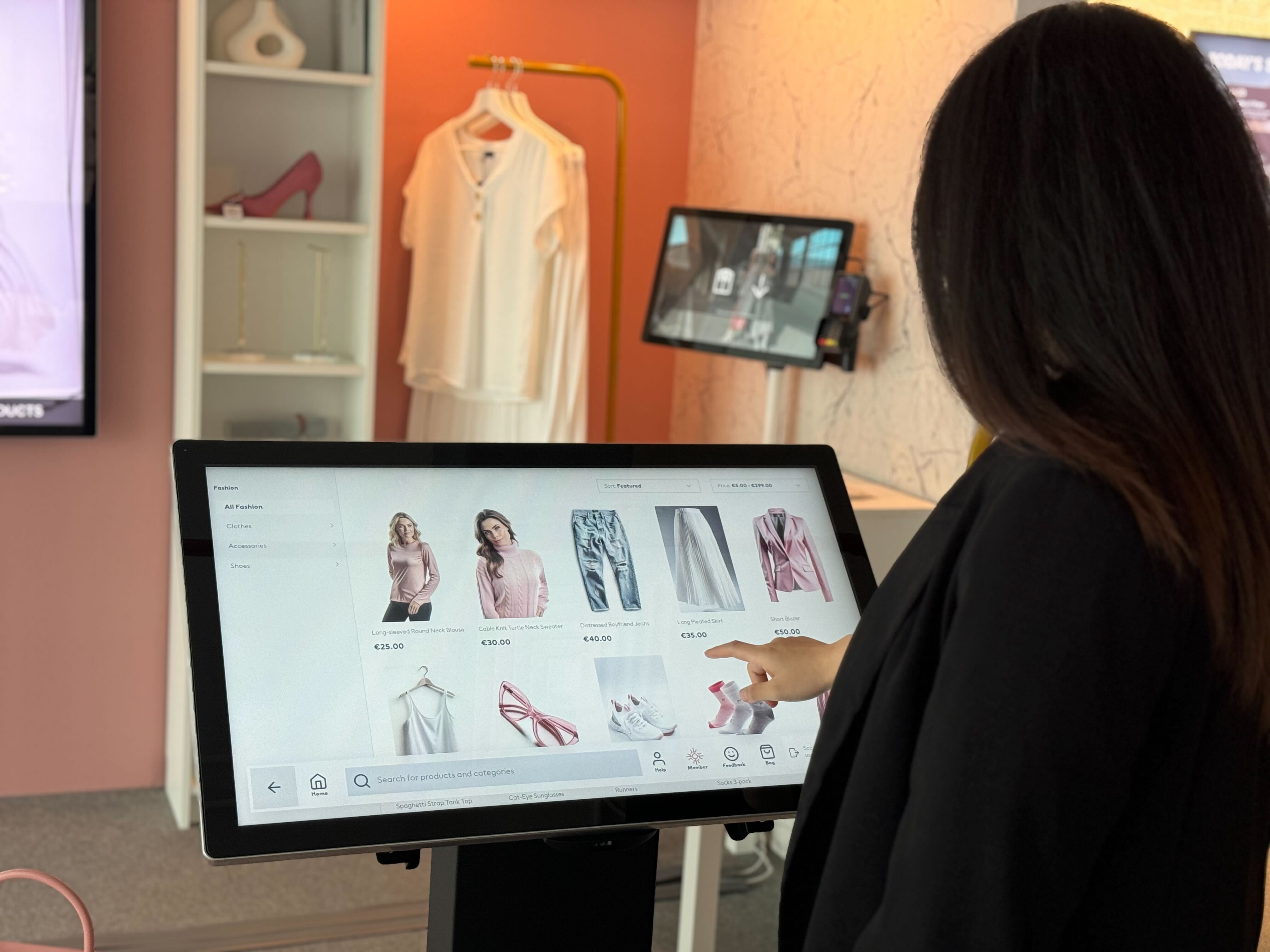
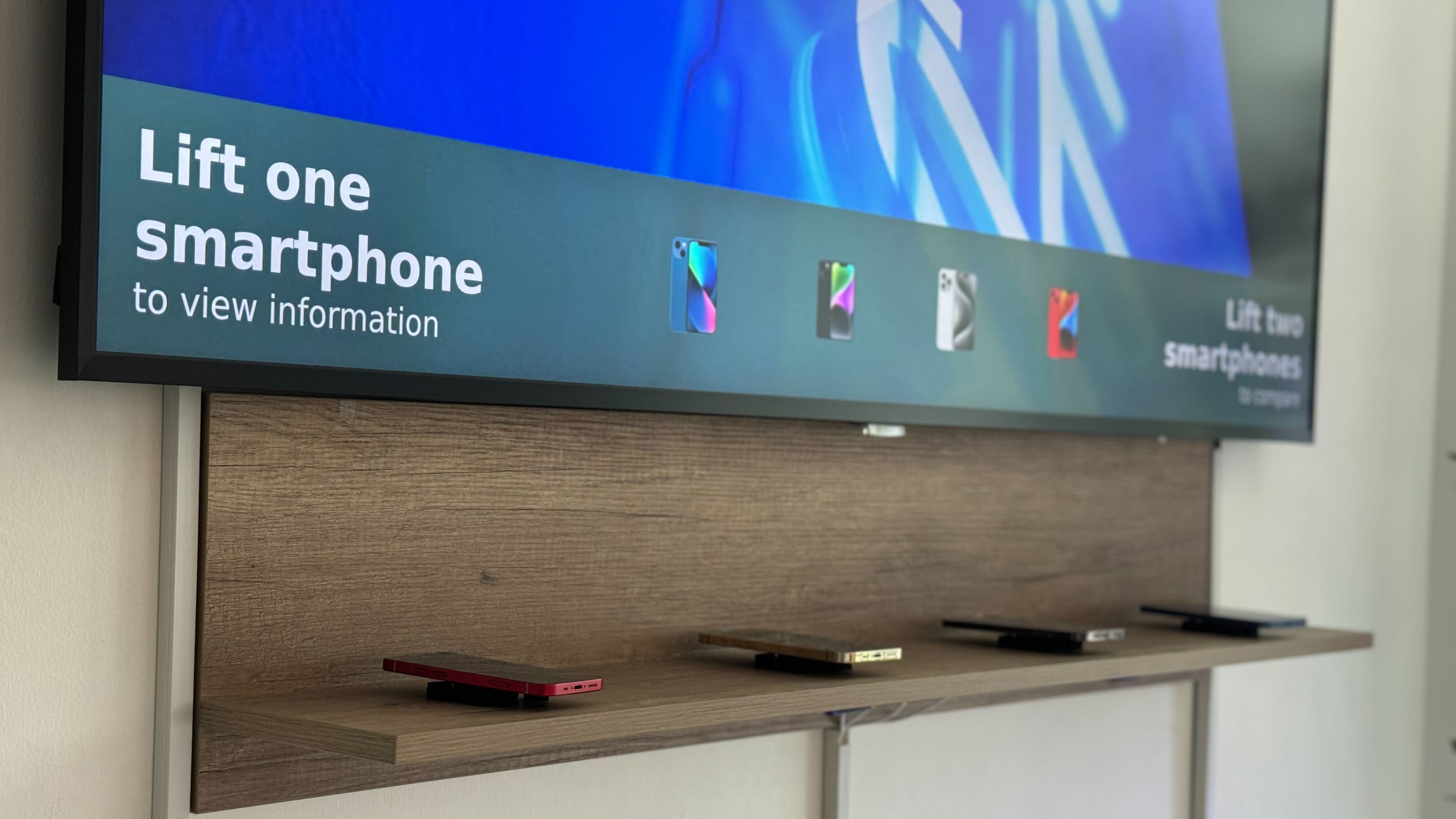
- Pick the device: A branded home screen offers up to eight device types, with specific models shown as photos. Customers who are not sure can hold their device's About screen up to the kiosk camera, and the kiosk reads the model for them.
- Describe the trouble: Customers choose from curated symptoms for their device, answer a few follow-up questions and can add a comment, so the diagnosis is grounded in what they actually see.
- Follow the fix: The kiosk presents a clear, step-by-step guide. A QR code lets the customer take the steps with them on their phone.
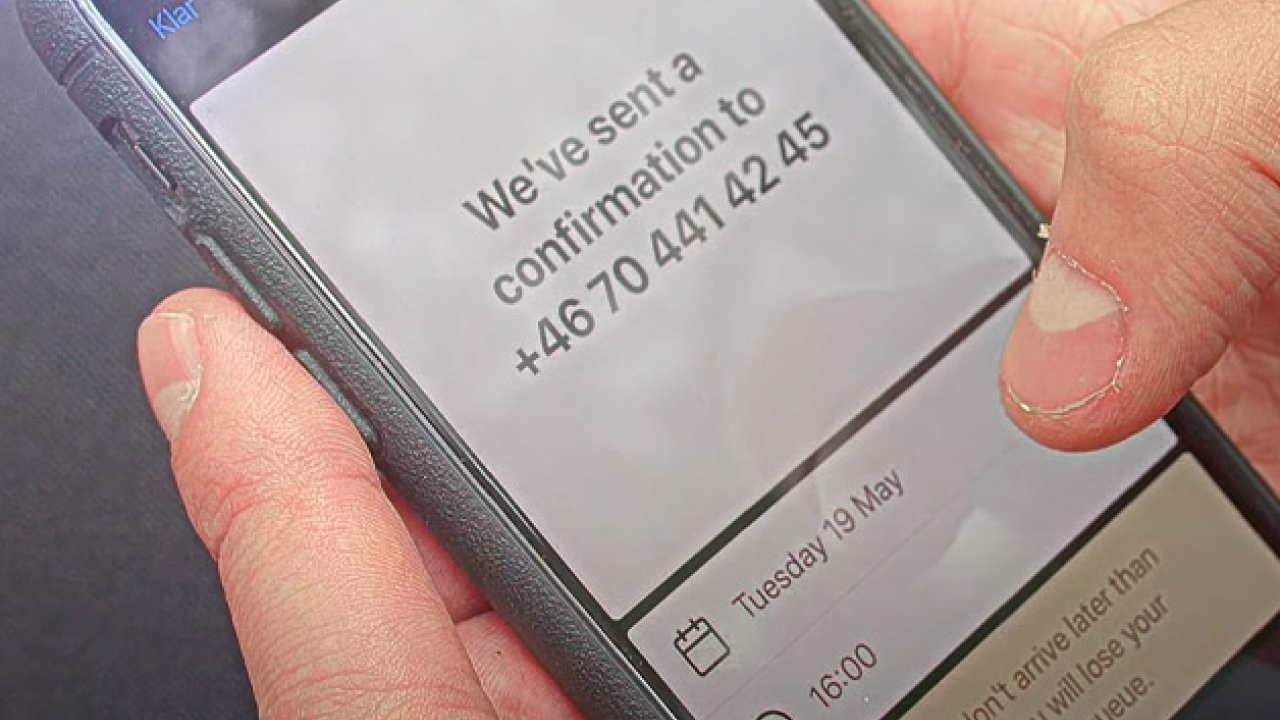
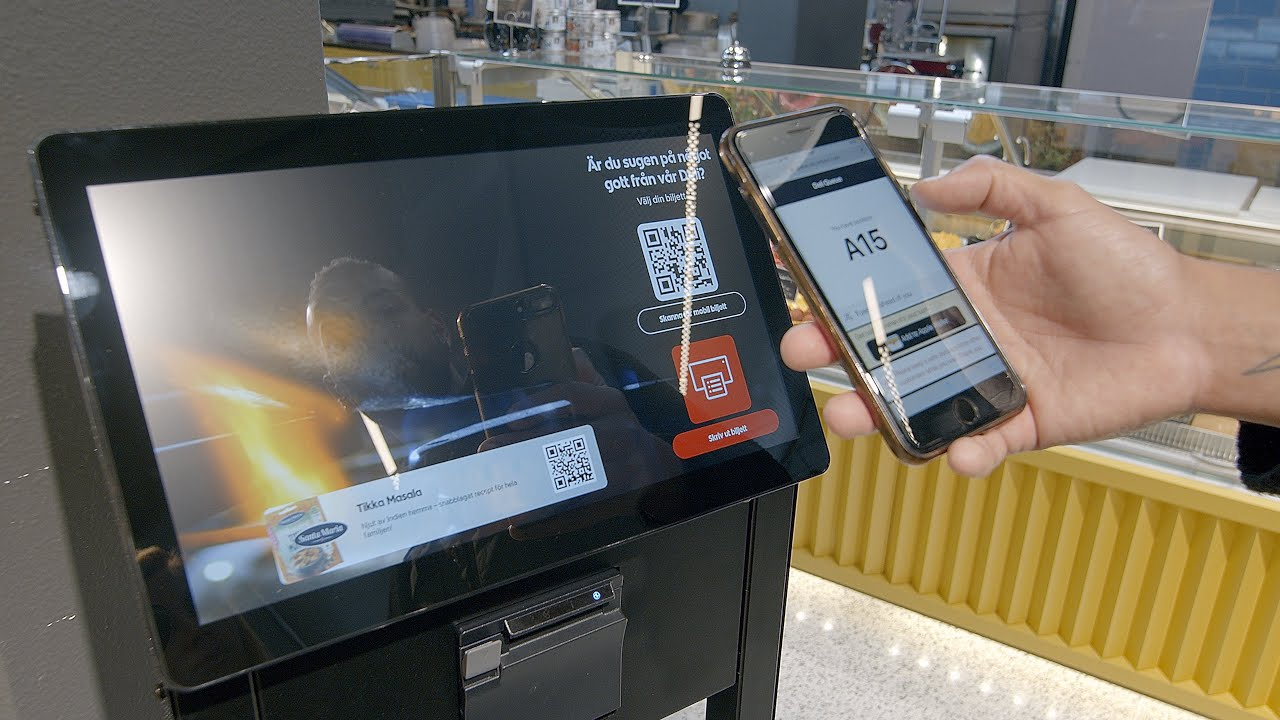
- Resolve or hand over: One tap confirms the issue is sorted and captures a quick rating. If it is not, a ticket is created in the queue of your choice, and the customer scans a QR code to follow their place in line from their phone.
- Optional membership check: Capture the phone number tied to the customer's account before the flow starts, so the technician knows who they are serving.
Key benefits of Smart Support Kiosk
- Faster resolution: Routine issues are solved in minutes, at the kiosk, without a technician.
- Reduced queue pressure: Only unresolved cases reach the desk, and they arrive pre-qualified with device, model, symptoms and notes.
- Consistent guidance: Every customer gets the same accurate steps, regardless of who is on shift.
- Actionable insight: Session analytics show which devices and symptoms come up most, and how often the kiosk resolves them on its own.
- Fully configurable: Devices, models, symptoms, copy, branding and the target queue are all managed from the PhyGrid console. No code changes, no store visit.
Why act now: support is part of the brand experience
Post-purchase support is where loyalty is won or lost. A customer who walks in with a problem and walks out with a fix in ten minutes remembers the brand, not the fault. Businesses that continue to route every issue through a staffed desk pay twice: once in technician time, and again in the queue their customers stand in. Smart Support Kiosk turns that queue into a self-service moment and gives your team a head start on the cases that remain.
Take control with PhyGrid
Ready to resolve more issues on the floor and hand over the rest with full context? PhyGrid Smart Support Kiosk runs on the same platform as Queue Management, People Counter and Appointment Booking, so it fits into the store you already run.
Resolve faster, queue smarter, and support every customer with PhyGrid Smart Support Kiosk.